Week 3 of 7 : Why Most Finance Teams Still Work Manually in Excel
- De Wet

- Mar 24
- 3 min read
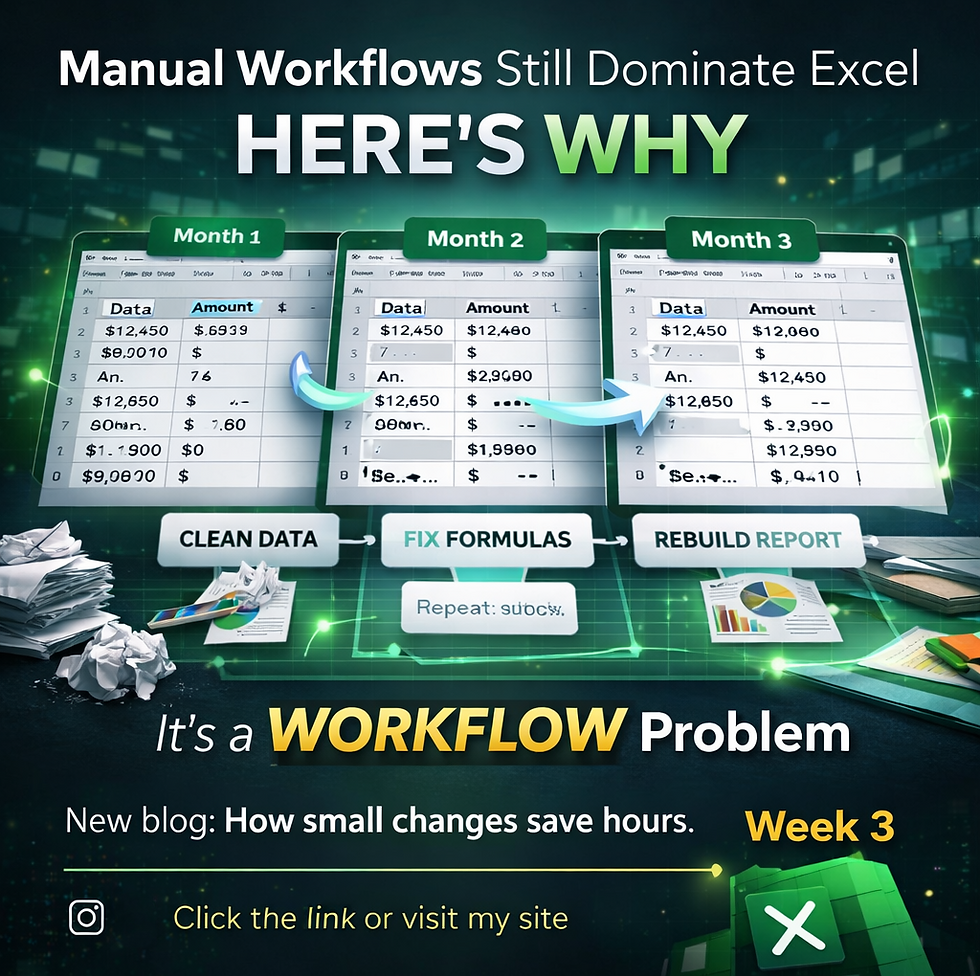
Walk into almost any finance or audit team, and you’ll see the same thing.
Excel everywhere.
Large datasets.
Complex workbooks.
Multiple versions of the same file.
And behind it all, hours of manual work.
Cleaning data.
Copying formulas.
Rebuilding reports.
Repeating the same processes every month.
The surprising part?
Most of this work doesn’t actually need to be manual.
The Reality of Day-to-Day Excel Work
For many professionals, Excel workflows follow a familiar pattern.
Data gets exported from an ERP system.
The file is cleaned and adjusted.
Formulas are applied.
Checks are performed.
Reports are created.
Then next month, the exact same process happens again.
Nothing fundamentally changes.
The structure stays the same.
The logic stays the same.Only the data is different.
Yet the work is repeated from scratch every time.
If Excel Can Automate, Why Isn’t It?
At this point, the question becomes obvious.
If Excel is capable of automation, why do so many teams still rely on manual processes?
The answer isn’t about capability.
It’s about behavior.
1. Time Pressure
Finance teams operate under constant deadlines.
Month-end closes.Audit timelines.Client deliverables.
When there’s pressure to deliver quickly, the focus shifts to getting the job done, not improving the process.
So instead of building a better workflow, teams repeat what worked last time.
Even if it’s inefficient.
2. Familiarity Over Improvement
Most professionals stick with what they know.
If a process works, even if it’s slow, it feels safer to continue using it rather than trying something new.
Learning automation tools or redesigning workflows can feel like a risk, especially when deadlines are tight.
So manual processes continue.
Not because they’re the best option, but because they’re familiar.
3. Lack of Visibility
Many teams don’t realize how much time is actually being lost.
An individual task might only take a few minutes.
But when repeated across:
multiple files
multiple team members
multiple reporting periods those minutes turn into hours.
And over time, into days.
Without stepping back to look at the full workflow, it’s easy to underestimate the impact of repetition.
4. The Coding Barrier
As discussed in the previous blog, tools like VBA can automate many of these processes.
But learning VBA requires time and effort.
For many professionals, that creates a gap.
They know what should be automated.
They understand the steps.
But they don’t have the technical skills to implement it.
So the manual process remains.
The Hidden Cost of Manual Work
Manual workflows don’t just cost time.
They also introduce risk.
A formula might be copied incorrectly.A column might be missed.A filter might still be active.
These small issues can lead to inconsistencies, especially when working with large datasets.
And in finance and audit environments, consistency matters.
What an Optimized Workflow Looks Like
Now imagine a different approach.
Instead of rebuilding everything each month:
Data is imported and cleaned automatically
Formulas are applied consistently
Checks run across the full dataset
Reports are generated in a structured format
The process stays the same.
But the execution becomes automatic.
This is the shift from manual work to designed workflows.
A Change in Mindset
Improving Excel workflows doesn’t always start with learning a new tool.
It starts with asking a simple question:
Why am I repeating this task?
If the steps are the same every time, they can be structured.
If they can be structured, they can be automated.
And once they are automated, the role of the professional changes.
Less time is spent preparing data.
More time is spent analyzing it.
Bridging the Gap
The challenge for many teams isn’t understanding the problem.
It’s implementing the solution.
This is where tools like Assist Pro’s Macro Wizard begin to play a role.
Instead of writing code, users can define the steps of their workflow, allowing Excel to execute those steps automatically.
The goal is simple.
Reduce repetition.Improve consistency. Free up time for higher-value work.
The Bigger Picture
Excel is not the limitation.
The limitation is how it’s used.
As long as workflows remain manual, the same inefficiencies will continue, regardless of how advanced the formulas become.
But when workflows are designed properly, Excel becomes far more than a spreadsheet.
It becomes a system that supports how teams work.


Comments